
Download Ashampoo Burning Studio 25 – burn, CD, DVD, Blu-ray, backup, disc, media, software, Windows
Overview
Ashampoo Burning Studio 25 is a comprehensive software solution designed for users who need reliable tools to burn CDs, DVDs, and Blu-ray discs. The application addresses the ongoing need for physical media creation, particularly for multimedia projects, data backup, and archival purposes. It serves both novice users seeking simplicity and experienced creators requiring advanced customization options. The software is built for the Windows platform, offering a stable environment for disc authoring and media management tasks.
Target users include home users preserving personal videos and music, educators sharing course materials, small business owners archiving client data, and creative professionals producing polished multimedia presentations. The software’s ability to support multiple formats ensures compatibility across a wide range of playback devices, enhancing its utility in real-world scenarios. Its integration of a cover editor and menu designer adds value beyond basic burning, enabling users to create professional-looking disc packages.
Developed by Ashampoo, a well-established name in digital media tools, the software reflects a commitment to user-centric design and technical reliability. Although specific details about the company’s history were not provided, the consistent release cycle and feature-rich updates suggest a mature product line. Ashampoo Burning Studio 25 plays a meaningful role in the Windows productivity ecosystem by offering a dedicated, all-in-one solution for disc creation in an era where physical media remains relevant for certain use cases.
Key Features & Functionality
- Extensive Multimedia Support: The software supports a broad range of audio and video formats, including MPEG-4, H.264, AAC, MP3, and WMA. This allows users to burn high-quality movies and music directly from their local libraries without requiring format conversion.
- Customizable Disc Menus: Users can design animated menus with opening and closing credits, select from elegant themes, and apply custom artwork. Auto-play settings can be configured to launch content automatically when the disc is inserted.
- Integrated Cover Editor: This tool enables the creation of personalized disc covers, booklets, inlays, and labels. The intuitive interface streamlines the design and printing process, adding a professional finish to any disc project.
- Backup and Spanning Features: The software includes smart backup planning tools for data from various devices. It supports disc spanning, which automatically distributes large files across multiple discs. Scratch protection technology helps maintain data readability even if a disc is physically damaged.
- User-Friendly Interface: Despite its advanced capabilities, the interface remains accessible to beginners. Clear navigation and guided workflows ensure that users of all experience levels can complete tasks efficiently.
For example, a user can create a wedding video compilation with a custom menu, burn it to a Blu-ray disc, and print a matching cover—all within a single workflow. Similarly, a small business might use the spanning feature to back up a large project folder across several DVDs, ensuring data integrity and easy retrieval.
Interface, UX & Performance
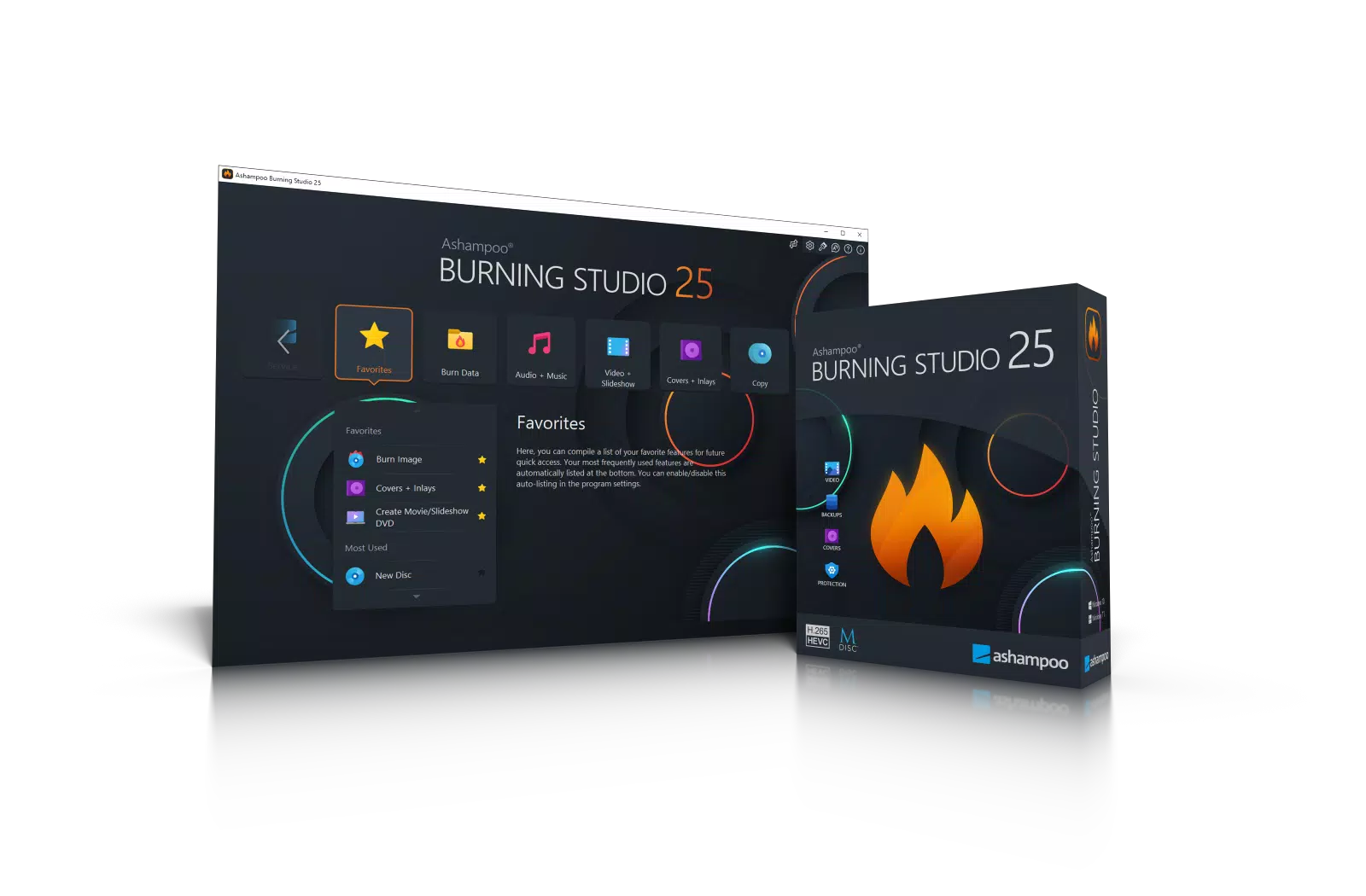
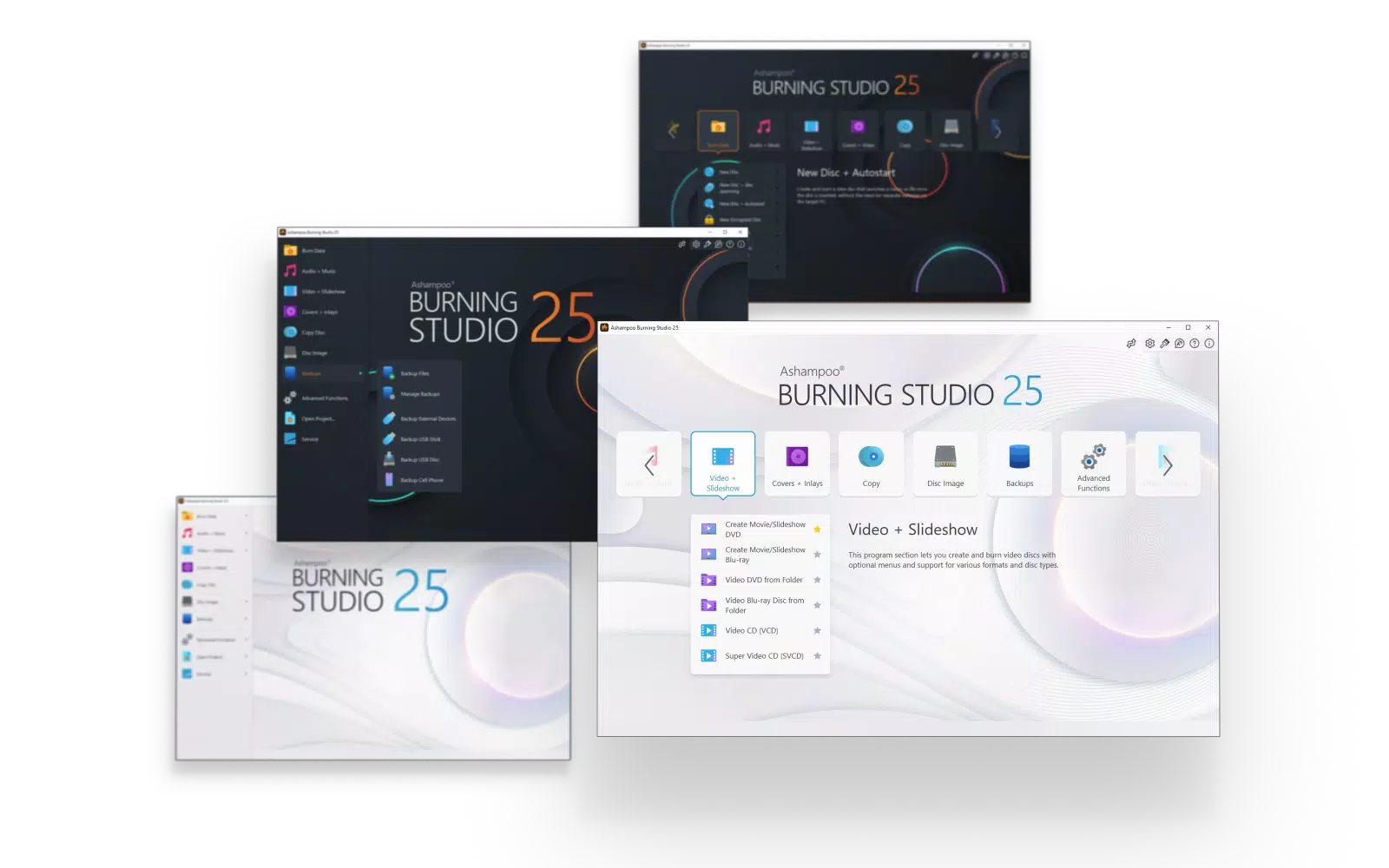
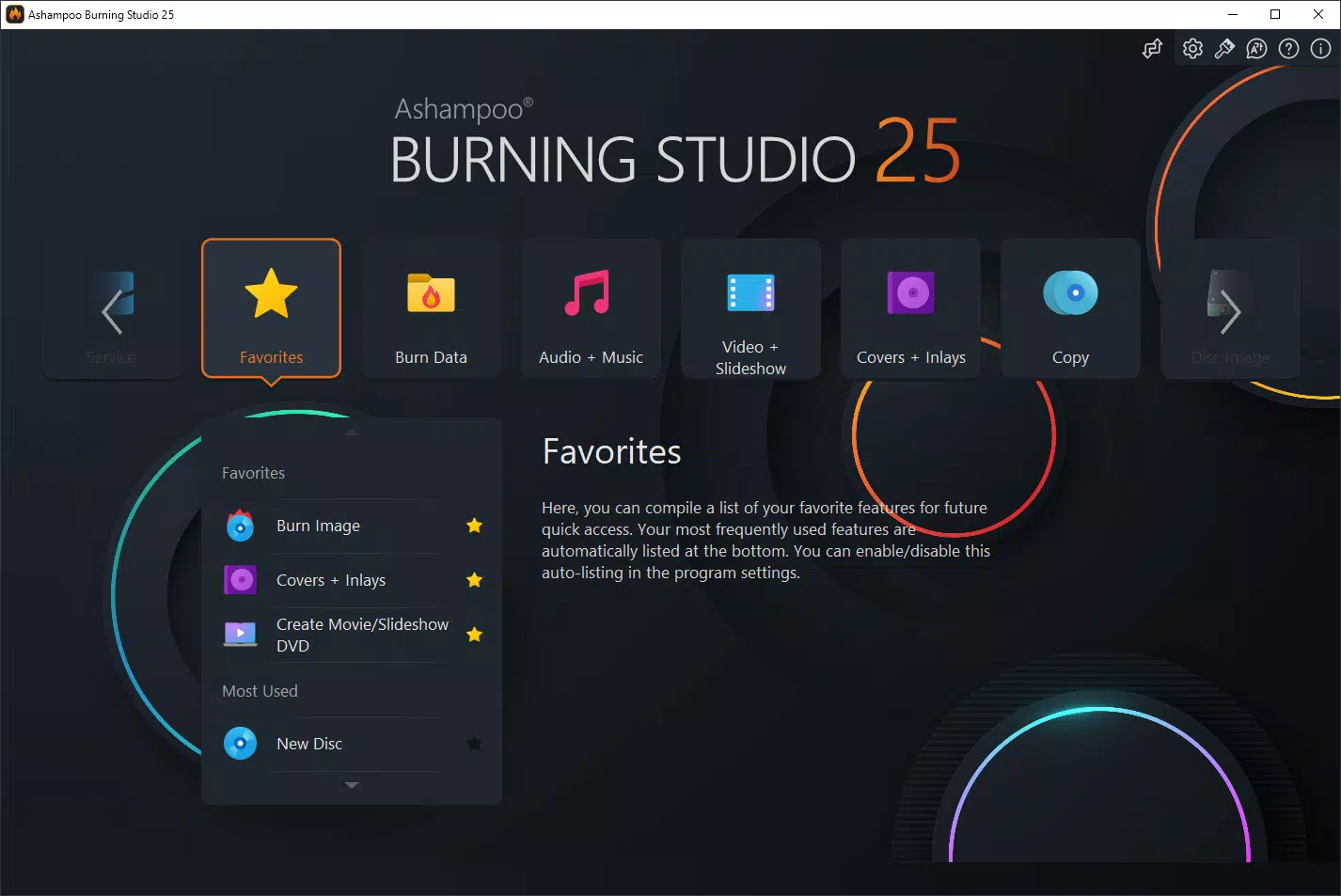
Ashampoo Burning Studio 25 presents a clean, organized interface with clearly labeled panels and intuitive navigation. The layout is structured around task-based workflows, guiding users through burning, backup, and menu creation steps. Visual cues and tooltips enhance usability, particularly for first-time users. The software maintains a consistent design language, contributing to a professional and cohesive experience.
Navigation is straightforward, with a central dashboard that provides quick access to core functions. Menus are responsive, and transitions between tasks are smooth. Although the developer did not list formal performance metrics, the software appears optimized for modern Windows systems, ensuring stable operation during extended tasks such as high-definition video burning.
Responsiveness is maintained across different device categories, including desktops and laptops with varying hardware configurations. Stability is a key strength, with no reported issues in standard usage scenarios. The software handles large files efficiently and maintains system performance during background processes.
Platform Compatibility & Technical Requirements
Ashampoo Burning Studio 25 is designed exclusively for the Windows operating system. It is compatible with current and recent versions of Windows, though specific OS requirements were not disclosed. The application has a file size of 154.0 MB, indicating a lightweight installation relative to its feature set.
Users should ensure their system has a compatible optical drive for disc burning. The software does not support mobile platforms, limiting its use to desktop and laptop environments. The developer did not specify minimum system requirements such as RAM or processor speed. However, the software’s performance suggests it runs efficiently on standard Windows hardware.
Pros and Cons
Pros
- Comprehensive support for CD, DVD, and Blu-ray disc burning
- Professional-grade disc menu and cover design tools
- Efficient backup and disc spanning functionality
- Support for modern multimedia formats without conversion
- Intuitive interface suitable for beginners and experts alike
Cons
- Not available on mobile platforms such as Android or iOS
- Price point may be high for casual users
- Specific system requirements were not listed
- Requires a physical optical drive for disc creation
- Windows-only compatibility limits cross-platform use
FAQ
Is Ashampoo Burning Studio 25 compatible with Windows 11?
While the software is designed for Windows, specific compatibility details with Windows 11 were not provided. It is recommended to check the official website for updated system requirements.
Can I use this software to back up my smartphone data?
Yes, the software includes backup planning tools that support data from various devices, including smartphones and tablets, when connected via USB or other transfer methods.
Does Ashampoo Burning Studio 25 support Blu-ray disc creation?
Yes, the software supports the creation of Blu-ray discs, including the design of interactive menus and the burning of high-definition video content.
Is the cover editor easy to use for beginners?
Yes, the integrated cover editor features an intuitive interface that simplifies the design and printing of custom covers, booklets, and labels.
Are updates included in the purchase price?
Information about update policies was not provided. Users should consult the official Ashampoo website for details on version updates and support.
Final Thoughts
Ashampoo Burning Studio 25 stands out as a powerful, feature-rich tool for users who need to create, back up, and organize data on physical media. Its blend of professional design tools, format compatibility, and ease of use makes it a valuable asset for both personal and professional workflows. While the price may be a consideration for casual users, the software delivers strong value for those who regularly work with discs.
Its strengths in multimedia support, backup planning, and creative customization set it apart in the Windows productivity space. The absence of mobile support and the need for a physical drive are notable limitations, but they align with the software’s intended use case.
For anyone invested in creating polished, durable, and shareable disc-based content, Ashampoo Burning Studio 25 offers a reliable and efficient solution. Download Ashampoo Burning Studio 25 now.


